
Photo and item recognition
Use one photo to start. Klysto looks for useful listing clues instead of making you begin with a blank form.
Camera or gallery
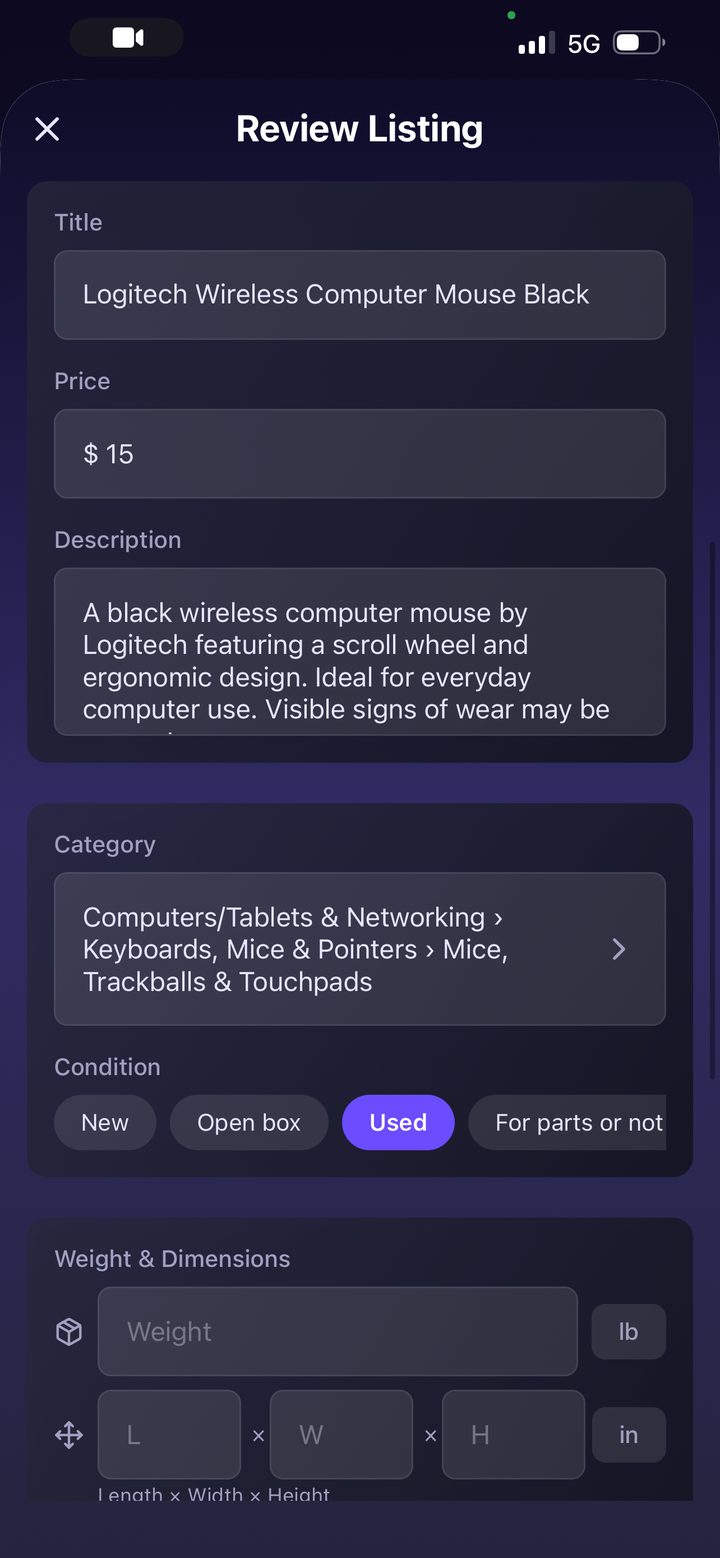
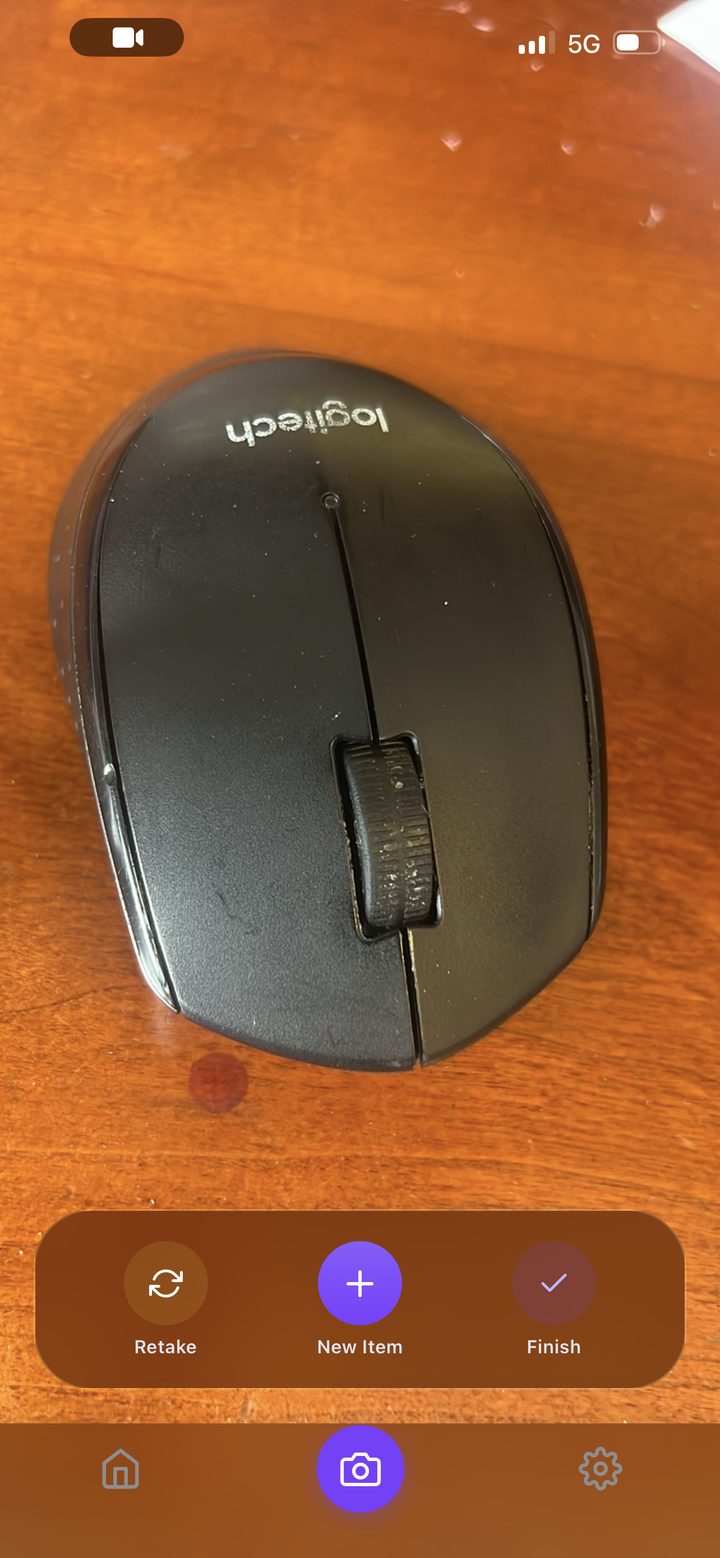

Start with the camera or an existing photo. The item image becomes the beginning of the listing.
Klysto creates a title, description, price suggestion, category path, condition, and item details.
Edit the parts that matter: photos, title, price, description, category, item details, shipping, weight, and dimensions.
Connect eBay, confirm the listing, and post from Klysto once the draft is ready.
Keep drafts and live listings organized. Automatic repricing is available to all sellers.
Klysto handles the first pass. You make the final call before anything reaches eBay.
Use one photo to start. Klysto looks for useful listing clues instead of making you begin with a blank form.
The app prepares title, description, price, category, condition, and item details as editable starting points.
You can change the copy, swap photos, adjust shipping fields, and fix any detail before posting.
Post the listing, then keep drafts and live listings separated so the next action is clear.
AI gives you a draft that already has structure, so listing starts with editing instead of guessing.
Important selling details are grouped in one flow: photos, item facts, pricing, and shipping.
Drafts, live listings, and repricing stay close to the capture workflow, so sellers can keep moving.
See what Klysto creates from one item photo.
See how the iPhone workflow fits together.
Learn how repricing works after posting.